Over the past few weeks, I’ve been upgrading my Pro Tools system and studio workflow. If you’re setting up a new system — whether you’re a musician, educator, or audio professional — I want to share the steps I used to tune my rig for professional-level performance.
My system now runs effortlessly — even with large sessions and demanding sample libraries — and I hope this guide helps you do the same.
🎼 My System:
- Mac mini (2024) M4 — 24 GB RAM
- macOS Sequoia 15.5
- Pro Tools Studio
- Universal Audio Volt 2 interface
- Native Instruments Komplete Standard 15
- Kontakt 7, Reaktor 6, Session Strings 2, and more
🚀 Why This Matters:
A lot of musicians and educators ask:
“How can I keep Pro Tools running fast — even when using big Kontakt libraries or mixing large sessions?”
The key: setting up two external SSDs and tuning Pro Tools to use them properly.
🎛️ My Setup:
SSD #1 — Native Instruments Libraries
SSD #2 — Pro Tools Sessions
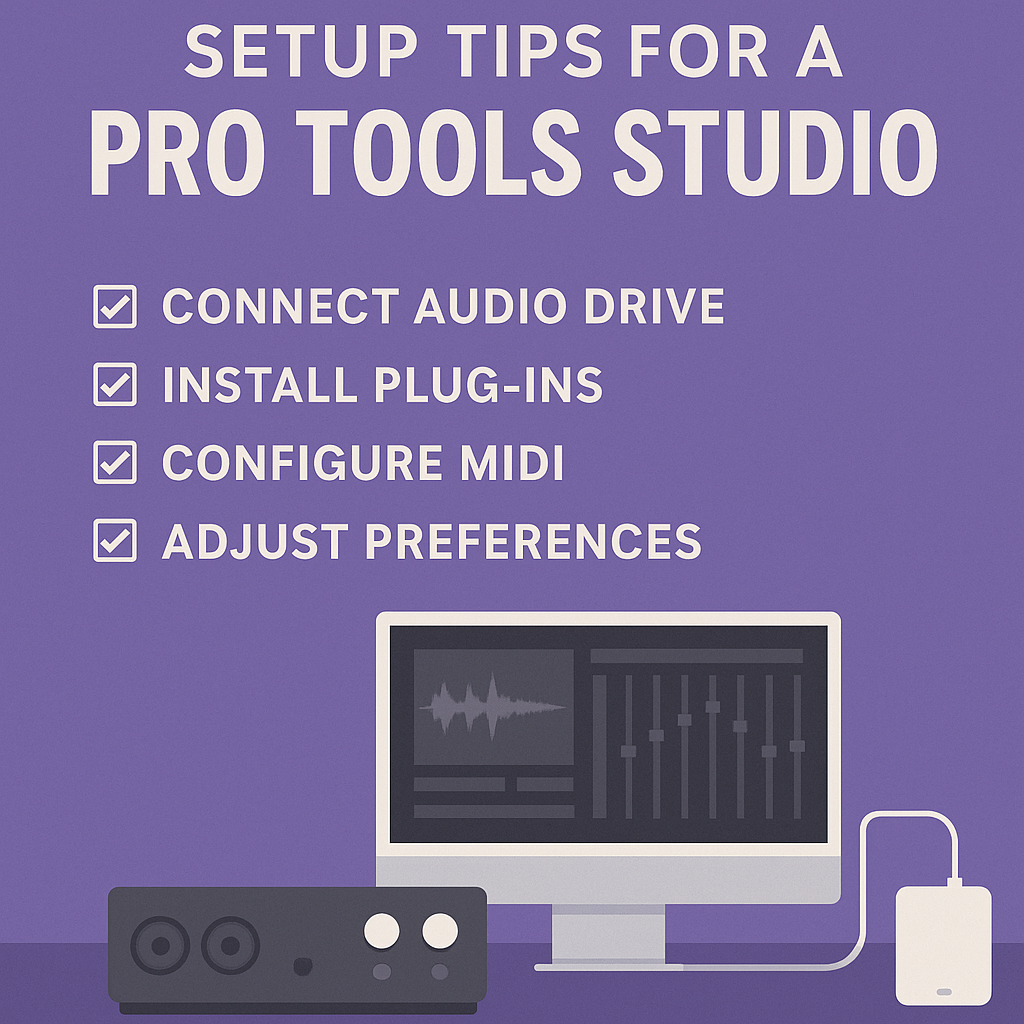
✅ Tuning Steps I Followed:
1️⃣ Disk Allocation:
Made sure all Pro Tools tracks are recording to Sessions SSD — no stray files going to internal Mac drive.
2️⃣ Disk Cache:
Set Pro Tools Disk Cache to 8 GB (for M4 Mac mini w/ 24 GB RAM).
Result: playback is smooth, no lag — even with big Kontakt instruments loaded.
3️⃣ Libraries Relocation:
Moved my Kontakt Factory Library, Reaktor Factory Library, Session Strings 2, and other key libraries to SSD #1 — and repaired paths in Native Access.
4️⃣ MIDI & Playback Engine:
Playback Engine set to Volt 2
MIDI working smoothly — both USB and 5-pin MIDI cables tested
5️⃣ Pro Tools Preferences:
Auto-backup enabled
Project Cache verified
Disk Allocation pointing 100% to SSD #2
💻 Final Results:
Pro Tools now runs perfectly stable — even with:
🎼 24+ audio tracks
🎼 Multiple Kontakt instances
🎼 Real-time guitar playing through amp sims
🎼 Large virtual instruments and Reaktor patches
🎙️ Why This Works:
When you separate your sample libraries from your session audio — and tune your Disk Cache and Disk Allocation — Pro Tools and Kontakt can both stream without fighting for disk bandwidth.
This is the same strategy you’ll see in commercial studios — and it works beautifully on a compact Mac mini rig.
🎹 Final Takeaway:
If you’re running Pro Tools on an M-series Mac, and working with:
✅ Big Kontakt libraries
✅ Pro Tools sessions with 24+ tracks
✅ Real-time tracking of vocals or instruments
…then two external SSDs + tuned Disk Cache will give you professional-level performance — and peace of mind.
If this helped you — or if you have questions about setting up your own Pro Tools system — feel free to reach out. I love helping musicians and educators make the most of their gear!
— Dr. David Mitchell 🎼
P.S. I’m happy to share my full tuning checklist — just ask!
 The Music Composition Blog